
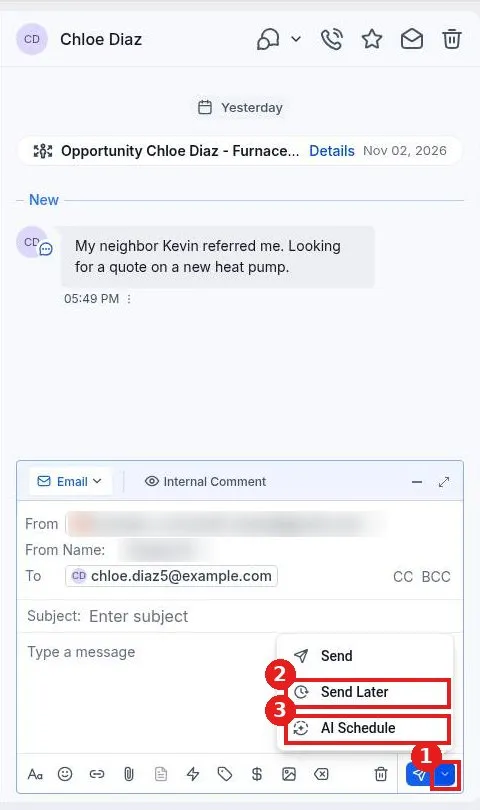
How do I schedule a message to send later?
Published on: 03/11/2026
Schedule a message in Reachific: write your message in the conversation, click the arrow next to Send, choose Send Later, pick the date, time and time zone, then click Schedule.
schedule messagesend laterconversationshelp center